



Quick Start Guide
Pavoni MiniTemper Tempering Machine
Step-by-step setup, first use, programming, tempering, cleaning and care for the Pavoni MiniTemper 110V tabletop tempering machine — with Canadian technical support in your timezone.
Overview — setup, tempering & care
AT A GLANCE
3.5 kg
Max capacity
Holds up to 3.5 kg of couverture in a 5-litre tub.
300 W
Power
110V / 60 Hz — plugs into a standard outlet.
42 × 40 × 40 cm
Footprint
420 × 400 × 400 mm (W × D × H), 16 kg. Compact countertop machine.
HOW IT WORKS
Automatic tempering, three stages, one tabletop.
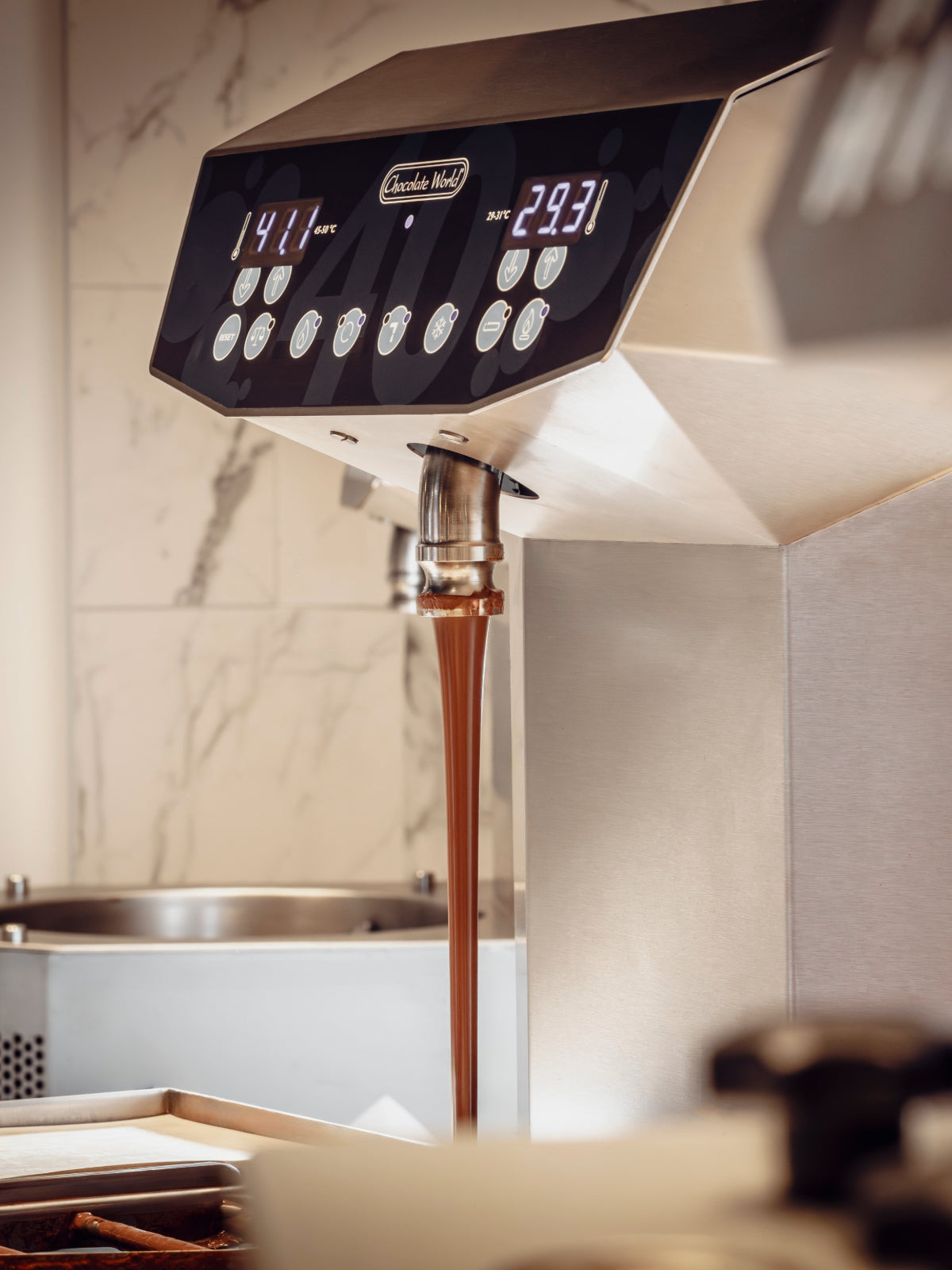
The Pavoni MiniTemper tempers chocolate automatically in a rotating basin. Heating lamps and a cooling fan move the chocolate through three precise stages — melt, crystallise and harden — each held at its own temperature and time, so you get glossy chocolate with a clean snap, hands-free.
Five programmable recipes (with presets for dark, milk and white) store your exact temperatures and pauses, so every batch repeats perfectly. The 110V version runs on a standard North American outlet, making professional tempering possible on any countertop.
BEFORE YOU BEGIN
What you'll need.
01
Power & outlet
A grounded 110V / 60 Hz outlet (300 W). Confirm the voltage on the rating plate matches your supply — never use an extension cord.
02
Room & surface
A stable, level surface in a room kept between 18 and 24°C, which is essential for chocolate to crystallise correctly.
03
In the box
Machine body with keyboard, removable cover, interchangeable basin, dividing wall with temperature probe, and the power cable.
04
Have ready
Couverture as chips or flakes (up to 3.5 kg), plus your supplier's recommended tempering temperatures.
STEP BY STEP
Setup, first use & care.
Everything you need for confident, repeatable tempering — from first power-on to end-of-day cleaning.
Before you begin
Inspect the machine
Carefully inspect your Pavoni MiniTemper for any shipping damage before first use. Check the machine body, keyboard, removable cover, interchangeable basin, dividing wall and the temperature probe.
Confirm the voltage shown on the rating plate (left-hand side) matches your power supply. This is the 110V / 60 Hz version, built for North American outlets.
Professional use only
Professional use only. Never operate the machine with damaged parts or a mismatched voltage.
Set-up questions?Talk to our Canadian technical team — we're in your timezone.
Installation
Set up & switch on
Insert the female connector of the power cable into the ON/OFF switch unit on the right-hand side of the machine, then plug the male plug into a grounded mains socket. Flip the red ON/OFF switch to position “I”.
The keyboard display shows three horizontal lines, followed by “rdy” (ready). The MiniTemper is now ready to program.
Keep the room at 18–24°C
Room temperature has a direct effect on crystallisation. Keep your workspace between 18 and 24°C for reliable results.
Match the voltage · grounded line
Before switching on, make sure the mains voltage matches the rating plate. Plug only into a properly grounded outlet.
First use
Load the chocolate
Remove the cover and add your couverture as chips or flakes, up to a maximum of 3.5 kg. Distribute it evenly on both sides of the dividing wall, then replace the cover.
To speed up the work cycle, you can pour in chocolate that is already melted, as long as it is no warmer than 35°C.
Don't top up mid-cycle
Do not add more chocolate until the machine has completed the full tempering cycle.
Programming
Choose or set a program
Press the P key to scroll through the five programs (Pr1–Pr5). The machine ships with presets for dark, milk and white chocolate. To edit a program, hold P for about 8 seconds until the green LED flashes.
Set each of the three stages with the + / - keys: a temperature (SP1, SP2, SP3, from 20 to 60°C in 0.5° steps) and a pause (PA1, PA2, PA3). SP1 and SP3 must be higher than SP2, or the machine will reject the values.
Presets are a starting point
The factory temperatures are indicative only. Always fine-tune to your couverture supplier's technical data sheet.
Operation
Run the tempering cycle
Press Start. The heating lamps bring the chocolate up to SP1 and the basin begins to rotate (melt). The cooling fan then lowers it to SP2 (crystallise), before the lamps reheat it to SP3 (harden). The display shows the live chocolate temperature throughout.
When the cycle finishes, the basin keeps turning and a buzzer sounds with “end” on the display. Your chocolate is now tempered and ready to use.
The jogging button
Press the jogging button on the right of the machine to mix and amalgamate the chocolate better while it is warmer than 35°C.
End of day
Hold & shut down
After the cycle, press the ON/OFF button on the keyboard to silence the buzzer and stop the basin. Press it again to keep the basin turning and hold the chocolate in temper at SP3 while you mold, dip or enrobe.
When you are finished, flip the red ON/OFF switch on the right to “O” and unplug the power cable.
Keep it moving while you work
Hold the chocolate at SP3 with the basin turning while you work — don't let it set inside the basin.
Maintenance
Cleaning & maintenance
The machine body is virtually maintenance-free — just keep all external parts clean. Wash the basin and the dividing wall regularly with hot water, especially after every chocolate change or basin change.
To change the basin: switch off and unplug, remove the cover, extract the temperature probe from its seat, loosen the two threaded knobs, turn the dividing wall anti-clockwise to release it, and lift out the basin. Reassemble only when every part is clean and dry.
“ALO” means probe fault
If “ALO” appears with a continuous tone, the temperature probe is faulty or disturbed. Switch the machine off and replace the probe before using it again.
Maintenance questions?Talk to our Canadian technical team — we're in your timezone.
WHAT YOU CAN MAKE
From bonbons to bars, hands-free.
Automatic, repeatable tempering up to 3.5 kg — every chocolate format your shop sells, on a single countertop.
Molded bonbons & pralines
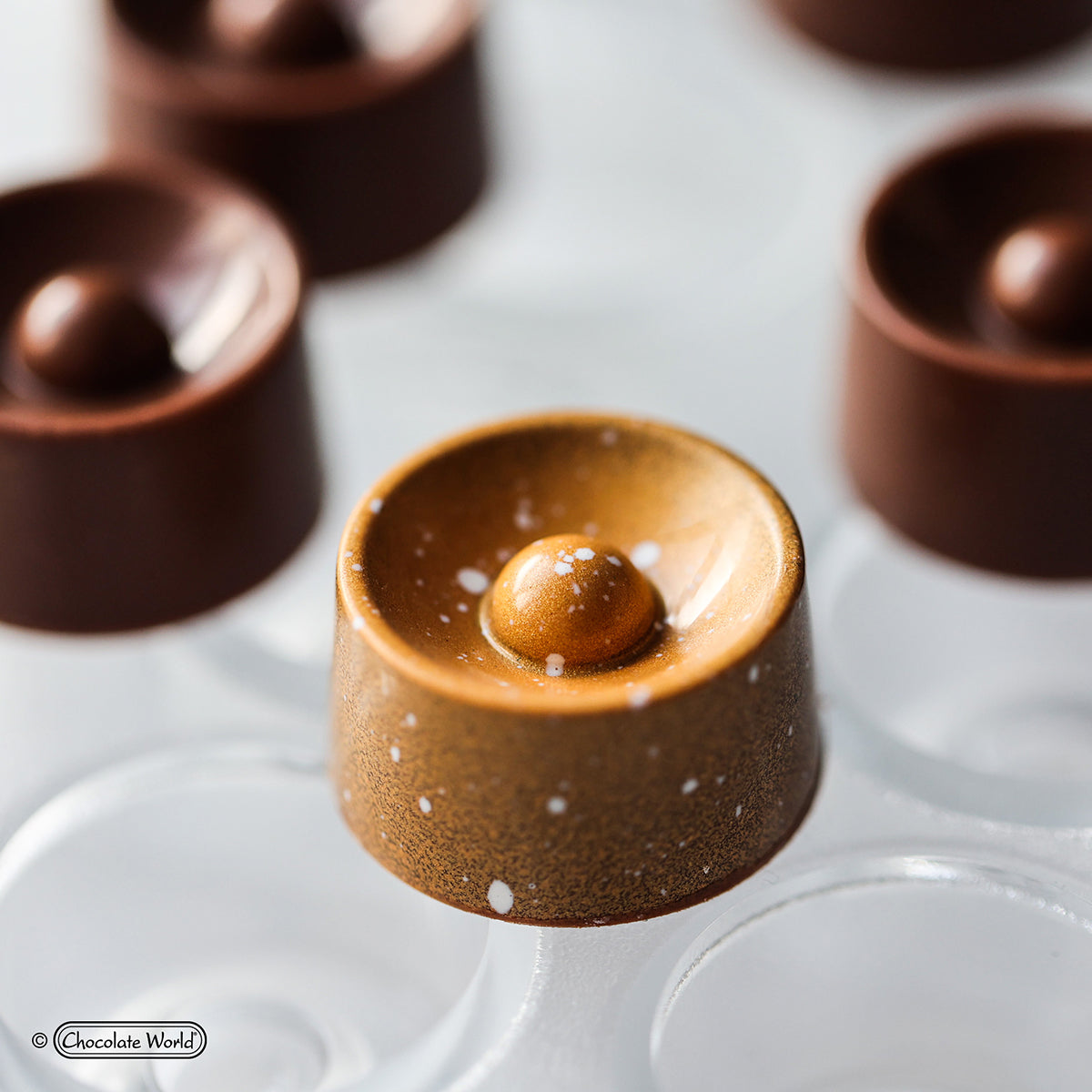
Cast glossy shells with a clean release and even walls, batch after batch, straight from a perfectly tempered basin.
Tablets & bars
Pour tablets and bars with a mirror shine and a crisp snap, using saved programs so every run repeats.
Hand-dipping & enrobing
Coat ganaches, fruit and nuts by hand while the basin holds your chocolate in perfect temper.
Small-batch & R&D
Five programmable recipes make the MiniTemper ideal for development and seasonal runs. Pair it with Zucchero couverture and professional molds to get started.
PLEASE READ FIRST
This guide doesn't replace your manual.
This Quick Start Guide is a simplified overview to help you set up and begin using your Pavoni MiniTemper quickly and safely. It is not a substitute for the manufacturer's user manual. For complete operating instructions, safety information, specifications, and maintenance, always read and follow the full manual supplied with your machine. Zucchero Canada accepts no liability for damage, injury, or loss arising from use of the equipment without reference to the official manual.
Frequently asked questions.
The MiniTemper runs a three-stage program — melt (SP1), crystallise (SP2) and harden (SP3) — with each level settable from 20 to 60°C in 0.5° steps. SP1 and SP3 must be higher than SP2. The machine ships with presets for dark, milk and white chocolate, but treat these as indicative and follow your couverture supplier's technical data sheet. Keep the room between 18 and 24°C.
Up to 3.5 kg, in a 5-litre tub. Add couverture as chips or flakes, distributed evenly on both sides of the dividing wall. To speed the cycle you can pour in pre-melted chocolate up to 35°C. Do not add more chocolate until the tempering cycle has finished.
Yes. This is the 110V / 60 Hz version built for North American power, drawing 300 watts, so it plugs into a standard grounded outlet. Always confirm the voltage on the machine's rating plate matches your supply before switching on.
The body is virtually maintenance-free; just keep the exterior clean. Wash the basin and dividing wall with hot water, especially after every chocolate or basin change. To remove the basin, switch off and unplug, take off the cover, extract the temperature probe, loosen the two knobs, turn the dividing wall anti-clockwise and lift out the basin. Reassemble only when everything is clean and dry.
Switch on and wait for “rdy”, load up to 3.5 kg of couverture, choose or set a program, then press Start. The machine heats to SP1 and the basin turns, cools to SP2, then reheats to SP3 and sounds a buzzer at “end”. Press ON/OFF to hold the chocolate in temper at SP3 while you work, then switch off and unplug when finished.
Yes. Zucchero Canada supplies and supports Pavoni tempering machines across Canada, with hands-on technical help in your timezone. If you purchased your MiniTemper from us, you also receive a 15% discount on genuine spare parts for that machine, for as long as you own it and while our parts program is offered. Email sales@zuccherocanada.ca or call +1 (587) 774-8873.
Zucchero Canada — Technical Support
Need help with your Pavoni MiniTemper?
Email sales@zuccherocanada.ca · Phone +1 (587) 774-8873 · Toll-free +1 (877) 741-8251