


Quick Start Guide
Chocolate World CW12 Tempering Machine
Step-by-step setup, first use, operation, cleaning and care for the CW12 continuous tempering machine — with Canadian technical support in your timezone.
Overview — melting, tempering, dosing & care
AT A GLANCE
12 kg
Tank capacity
Keep it topped up for steady, continuous dosing.
45 kg/h
Output
Up to 45 kg of tempered chocolate per hour.
220V
Power
Single-phase, 50/60 Hz. Never use an extension cord.
HOW IT WORKS
Perfectly tempered chocolate, on tap.
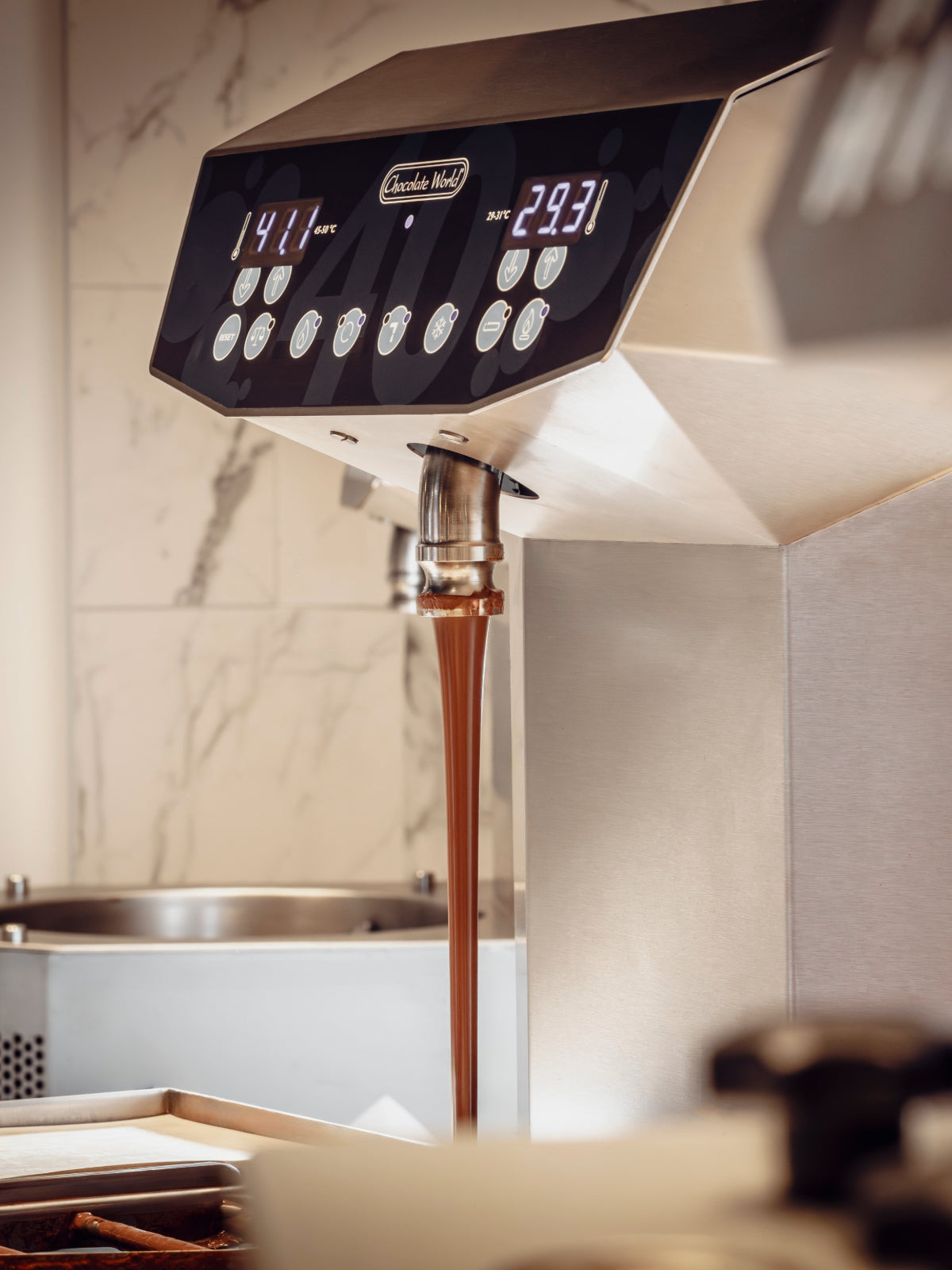
The CW12 melts, tempers and holds your couverture in one continuous cycle. An Archimedes screw keeps the chocolate moving so it stays perfectly in temper — glossy, with a clean snap — from your first mold to your last.
Set your working temperature once and the machine does the rest: no tabling, no seeding, no babysitting a bowl. Press the pedal to dose straight into molds, dip or enrobe while up to 45 kg per hour flows ready to use. Your hands stay free to create; the CW12 holds the temper.
BEFORE YOU BEGIN
What you'll need.
01
Power & outlet
A dedicated 220 V single-phase outlet within reach. Never use an extension cord.
02
Space & surface
A stable, flat, level surface with room for the vibrating table at the back.
03
In the box
Machine, vibrating table (4 springs), plexiglass lid, dosing pedal, and anti-noise rubber mats.
04
Have ready
±5 kg of couverture in small pieces or pre-melted, plus your supplier's tempering temperatures.
STEP BY STEP
Setup, first use & care.
Everything you need for confident daily tempering — from first melt to end-of-day cleaning.
Before you begin
Inspect the machine
Carefully inspect your Chocolate World CW12 for any shipping damage before first use. Check the control panel, rotating arm, dosing spout, vibrating table, plexiglass lid, and all connections.
Remove all packaging and the vibrating table from the back of the machine. Take off the plexiglass lid and make sure nothing prevents the arm from rotating.
Professional use only
Professional use only. Never operate the machine with damaged parts.
Set-up questions?Talk to our Canadian technical team — we're in your timezone.
Installation
Unpack & install the machine
Place the machine on a stable, flat surface. Attach the vibrating table by lining up the 4 springs with the 4 holders on the machine. Place rubber mats on both sides of the vibrating table to avoid excessive noise.
Plug the machine into a dedicated 220 V single-phase outlet. Turn the main switch (2) to the right.
Power off first
Disconnect power before any installation or cleaning.
First use
Melt the chocolate
Press the heating button (C) and set the melting temperature (maximum 50 °C). Add ±5 kg of small chocolate pieces or melted chocolate to the tank, then cover with the plexiglass lid.
Wait until the chocolate is completely melted (display A).
Max 50 °C
Do not exceed 50 °C, to protect the organoleptic quality of the chocolate.
Operation
Start the tempering cycle
Press button D (rotating arm) then F (pump). After a few seconds, chocolate will flow through the dosing spout. Set the tempering temperature using the M buttons.
Dark: 30–31 °C · Milk: 29–30 °C · White: 28–29 °C (follow your chocolate supplier's recommendations).
Sequence matters
Buttons C-D-F-G work sequentially. Always turn off in reverse order: G → F → D → C.
Operation
Use the dosing pedal & vibrating table
Press the dosing pedal (8) to stop the chocolate flow while filling molds. Turn the vibrating table on/off with button J and its heating with button M.
Protect the pump
Never add nuts or additives that can block the pump.
End of day
Switching off the machine
Press G (tempering off), wait until displays A and B show the same temperature, then switch off F and D. Remove the vibrating table and place the plexiglass lid on the tank.
For storage longer than 7 days, empty the machine completely.
Hardening risk
If chocolate hardens inside, it will take several hours to melt again.
Maintenance
Cleaning & maintenance
Clean the exterior with warm water and a soft cloth, then polish with an alcohol solution on a cotton cloth. For the interior tank, use a wet, clean cotton towel. Flush the pump with unused chocolate if needed.
Never use aggressive soaps, abrasives, or dishwasher detergents. Always air-dry completely.
Power off · pros only
Disconnect power before cleaning. Maintenance by professional staff only.
Maintenance questions?Talk to our Canadian technical team — we're in your timezone.
WHAT YOU CAN MAKE
From bonbons to bars.
One continuously tempered tank — every chocolate format your shop sells.
Molded bonbons & pralines
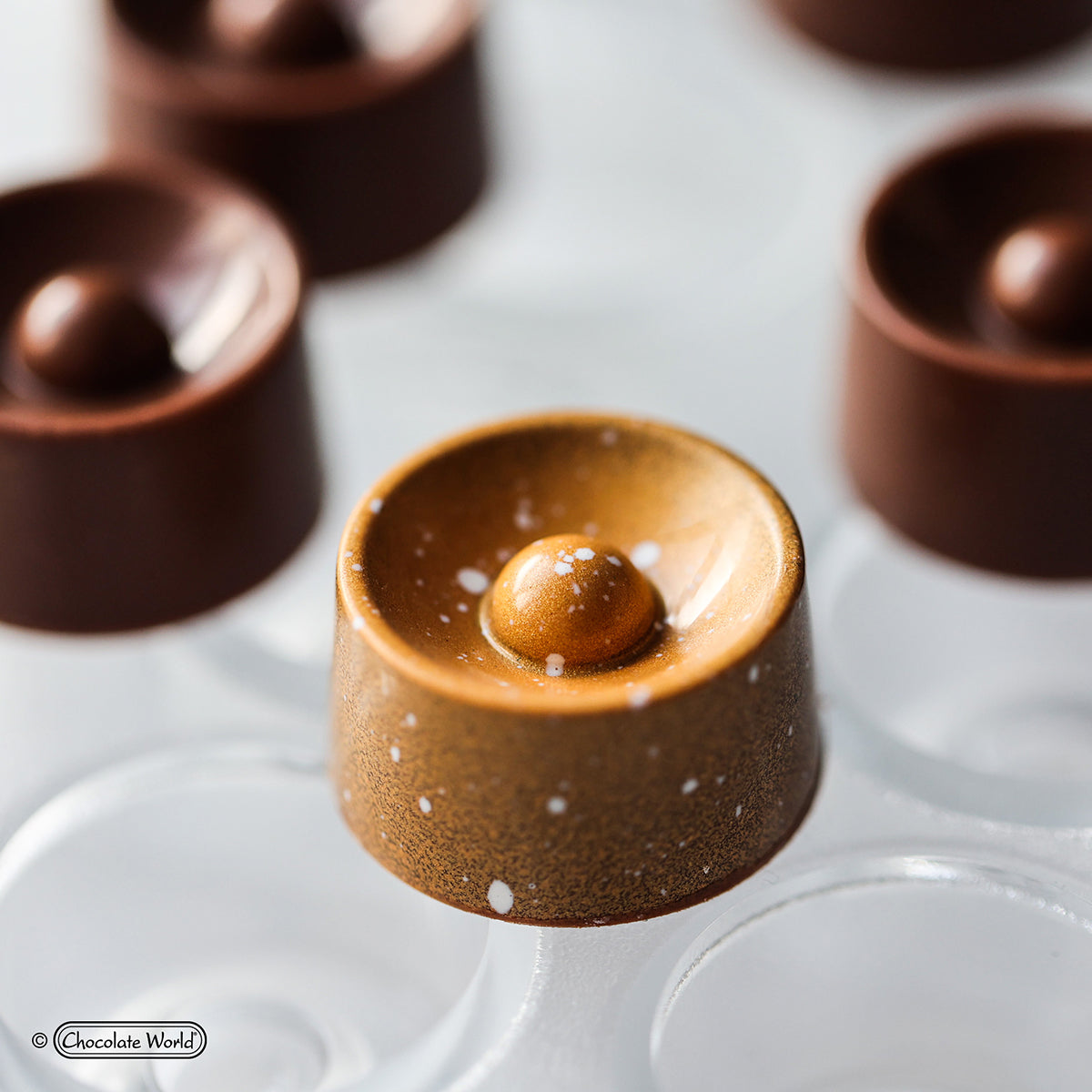
Cast glossy shells with a clean release and even walls, batch after batch. The heated vibrating table shakes out air bubbles for a flawless, professional finish.
Tablets & bars
Pour tablets and bars with a mirror shine and a crisp snap — retail-ready, with the same perfect temper from the first bar to the last.
Enrobing & dipping
Coat ganaches, fruits and nuts by hand, or pair the CW12 with the M1200A enrobing line for a thin, even shell at production speed.
Decorations & garnish
Pipe transfers, curls and décor while the tank holds temper — your accents set with the same gloss as the piece.
PLEASE READ FIRST
This guide doesn't replace your manual.
This Quick Start Guide is a simplified overview to help you set up and begin using your Chocolate World CW12 quickly and safely. It is not a substitute for the manufacturer's user manual. For complete operating instructions, safety information, specifications, and maintenance, always read and follow the full manual supplied with your machine. Zucchero Canada accepts no liability for damage, injury, or loss arising from use of the equipment without reference to the official manual.
Frequently asked questions.
Melt at up to 50 °C, then set your tempering temperature to roughly 30–31 °C for dark, 29–30 °C for milk, and 28–29 °C for white chocolate — always following your couverture supplier's recommended working temperatures. The CW12 holds temper continuously, so your chocolate stays in working condition throughout the day.
Load about 5 kg of couverture into the tank — small pieces (callets) or pre-melted chocolate both work. Add it gradually and keep the tank topped up during production for a steady flow through the dosing spout.
Inspect the machine for shipping damage, remove all packaging and the vibrating table from the back, and make sure the rotating arm turns freely under the plexiglass lid. Place it on a stable, level surface beside a dedicated 220 V single-phase outlet — never use an extension cord.
No part of the CW12 is dishwasher safe. Clean the exterior with warm water and a soft cloth, then polish with a little alcohol on a cotton cloth; wipe the interior tank with a clean, damp cloth. Never use abrasives, aggressive soaps, or dishwasher detergents, and always air-dry completely. Disconnect the power before cleaning — maintenance is for trained staff only.
The controls work in sequence: heat (C), rotating arm (D), pump (F), then tempering (G). Always shut down in reverse order — G → F → D → C. Powering off out of sequence can leave chocolate setting inside the machine.
Yes. Zucchero Canada is an authorized Chocolate World distributor and provides hands-on technical support in your timezone. If you purchased your CW12 from us, you also receive a 15% discount on genuine spare parts for that machine, for as long as you own it and while our parts program is offered. Email sales@zuccherocanada.ca or call +1 (587) 774-8873.
Zucchero Canada — Technical Support
Need help with your CW12?
Email sales@zuccherocanada.ca · Phone +1 (587) 774-8873 · Toll-free +1 (877) 741-8251